> ## Documentation Index
> Fetch the complete documentation index at: https://docs.oduist.com/llms.txt
> Use this file to discover all available pages before exploring further.
# Agent installation
> Deploy the Agent Docker service, connect AMI, and reinitialize if needed.
# Agent installation
The Agent bridges Odoo and Asterisk:
* Sends required AMI events/recordings to Odoo.
* Executes AMI actions from Odoo.
* Implements billing; optional SIP attack protection; optional web CLI backend.
## Requirements
* Docker and docker-compose.
* AMI user on Asterisk (example `manager.conf`):
```
[general]
enabled = yes
webenabled = no
port = 5038
bindaddr = 127.0.0.1
[asterisk_plus_agent]
secret=odoo ; change this
allowmultiplelogin=no
displayconnects = yes
read=call,dialplan,security,user
write=originate,system,message
deny=0.0.0.0/0.0.0.0
permit=127.0.0.1/255.255.255.255
```
Reload and verify: `manager show user asterisk_plus_agent`.
## Configure AMI in Odoo
PBX → Settings → Server. Fill AMI host/port/login/password. (See screenshot `agent-ami-settings.png` if needed.)
## Run the Agent (docker-compose)
```yaml theme={null}
services:
agent:
init: true
image: oduist/pbx-agent:latest # pin to your module version in production
restart: unless-stopped
command: https://your.odoo.server
volumes:
- srv:/srv
- /var/spool/asterisk:/var/spool/asterisk # for recordings upload
privileged: true # only if SIP security enabled
network_mode: host
environment:
- TZ=Europe/London
volumes:
srv:
```
Use the correct scheme (http/https) and version tag. Open port 48000 on firewall/port-forwarding for Odoo→Agent.
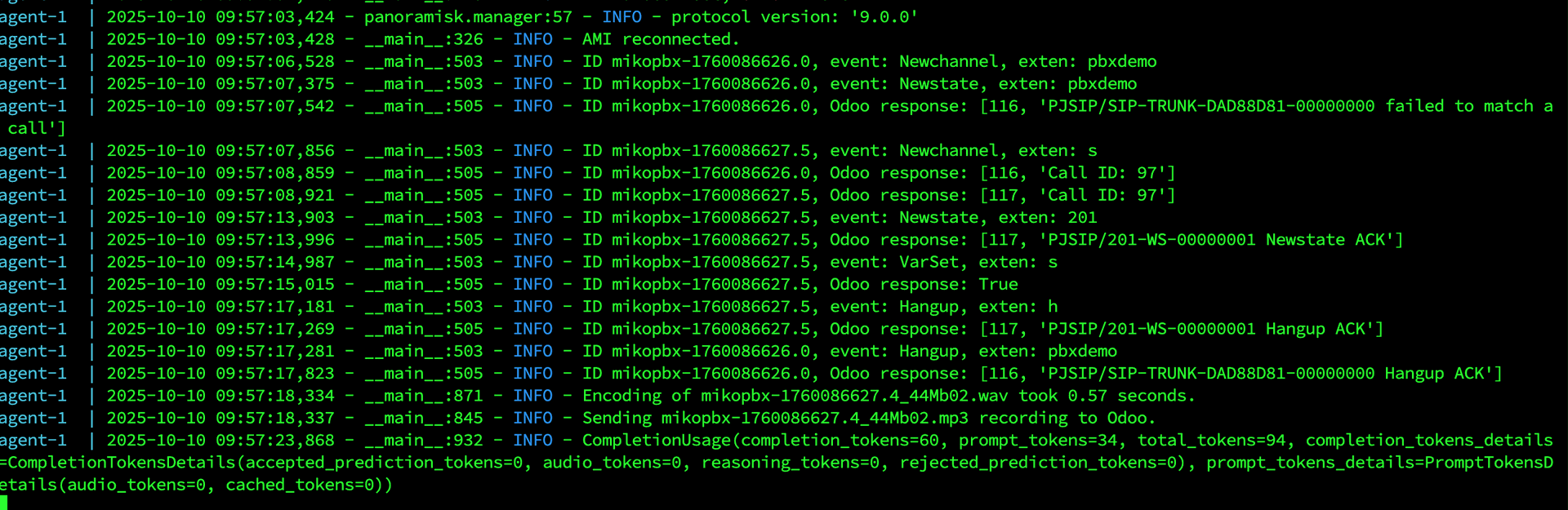
## Agent in action
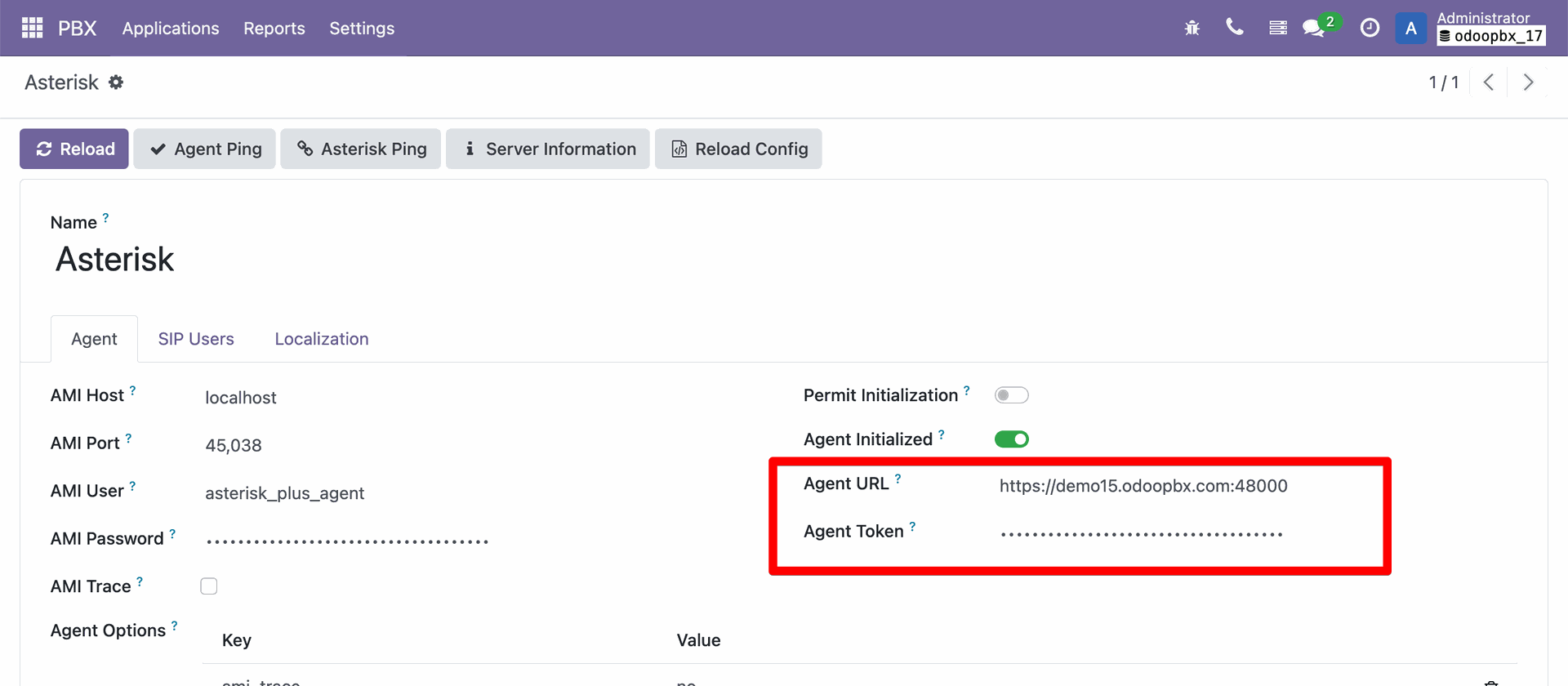
 ## Server URL in Odoo
PBX → Settings → Server → set Agent URL.
## Server URL in Odoo
PBX → Settings → Server → set Agent URL.
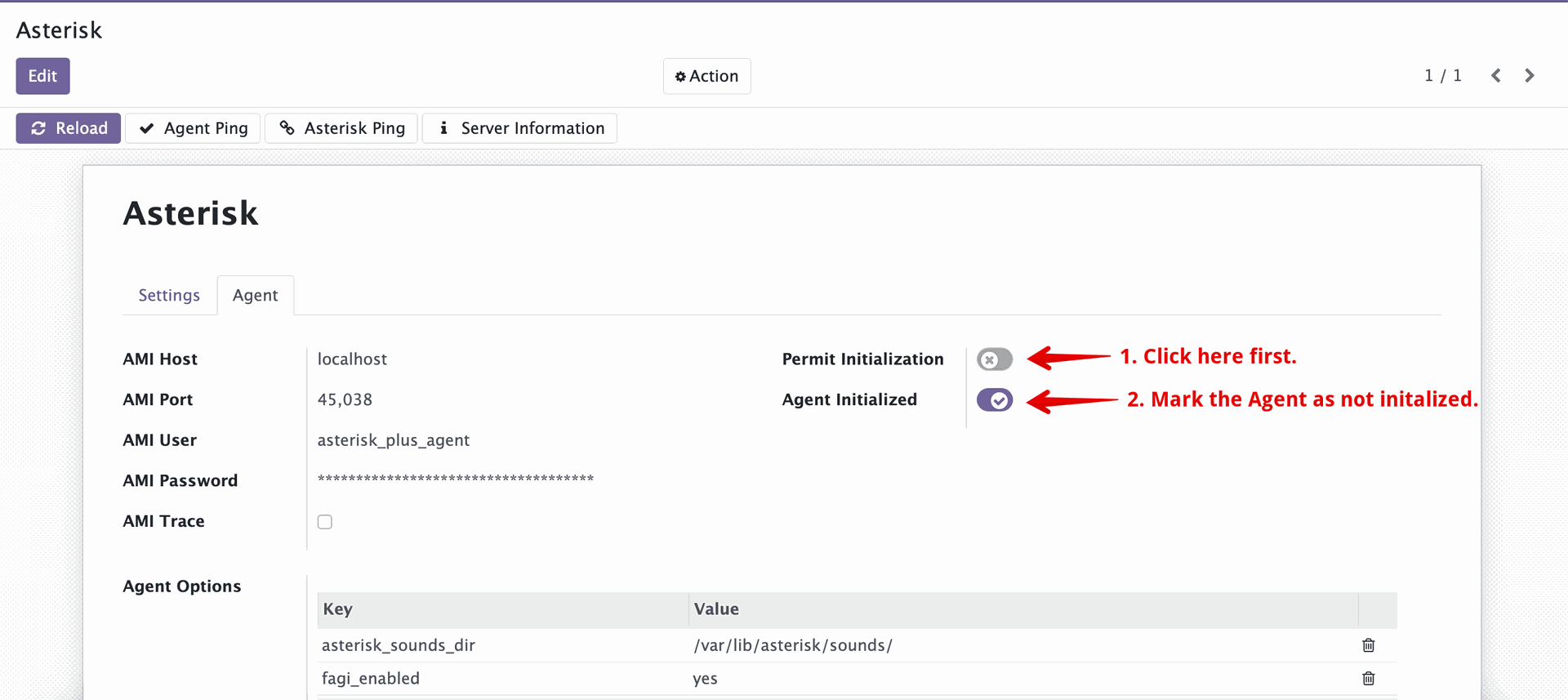
 ## Initialization / reconnection
* First successful connect locks initialization.
* To re-init (e.g., container recreated), permit initialization in Odoo Settings (Initialization section), then rerun the Agent.
## Initialization / reconnection
* First successful connect locks initialization.
* To re-init (e.g., container recreated), permit initialization in Odoo Settings (Initialization section), then rerun the Agent.
 * To point Agent to a new Odoo URL, run once with `--init https://your.odoo.server`, then remove `--init` and run normally.
## Troubleshooting
* AMI login fails: ensure manager.conf reloaded (`core reload`) and user shows in Asterisk console.
* `init: true` unsupported: remove `init` key in compose.
* To point Agent to a new Odoo URL, run once with `--init https://your.odoo.server`, then remove `--init` and run normally.
## Troubleshooting
* AMI login fails: ensure manager.conf reloaded (`core reload`) and user shows in Asterisk console.
* `init: true` unsupported: remove `init` key in compose.